

My (first) Experience with Focus Stacking for Microscopy
Focus stacking is a technique used in photography where multiple images are taken, each focused at a different depth or point in the scene, and digitally combined to create an image with a greater depth of field. It is especially handy in microscopy, since microscopes are notorious for their shallow depth of field.
I finally tried focus stacking myself, and I only wish I could’ve done it earlier.
Today, I am going to do a systematic review of focus stacking, compare my stacked and unstacked images, and evaluate how effective the technique really is.
Copper Sulfate
Copper Sulfate crystals are what started my microscopy journey, and I keep coming back to them. My first time observing Copper Sulfate was superb, but the images were, well, out of focus.
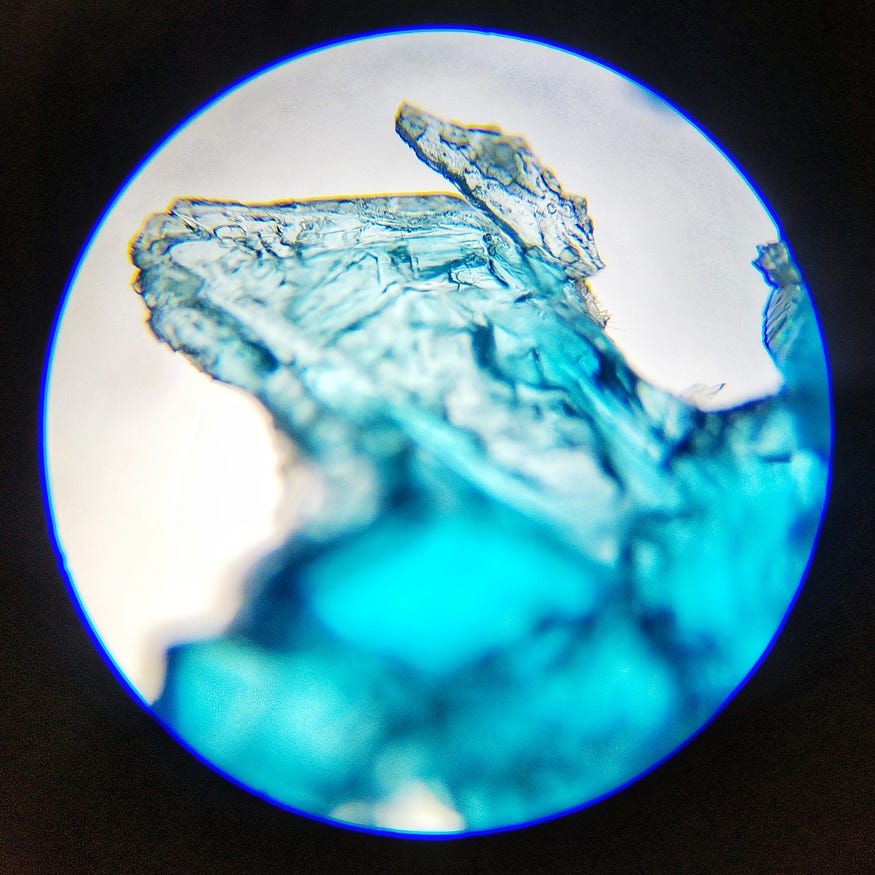
The thing with microscopes and shallow depths of field is that you can focus on only a very thin slice of any specimen (only the hind crystal is in focus). Now, to be frank, biological microscopes are meant for observing tiny, flat specimens, such as cells and bacteria, so that’s not inherently a flaw. However, I like my equipment to be versatile.
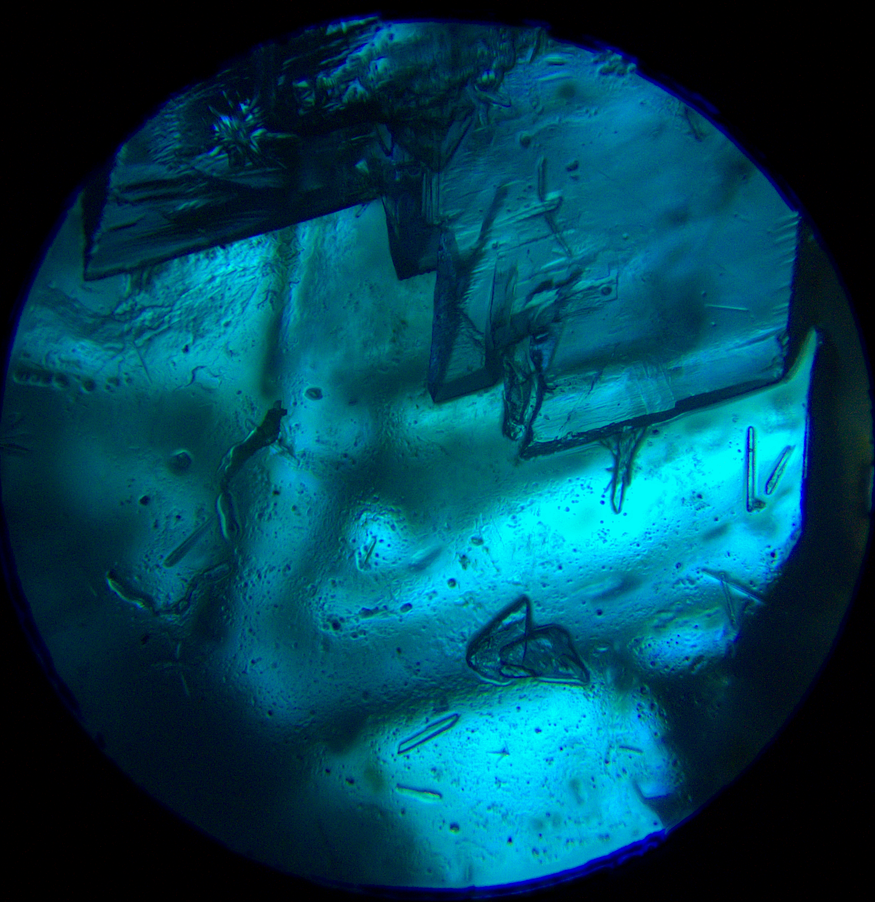
This is also Copper Sulfate, but focus stacked, and just look at the difference.
Now let’s compare this with the original images.
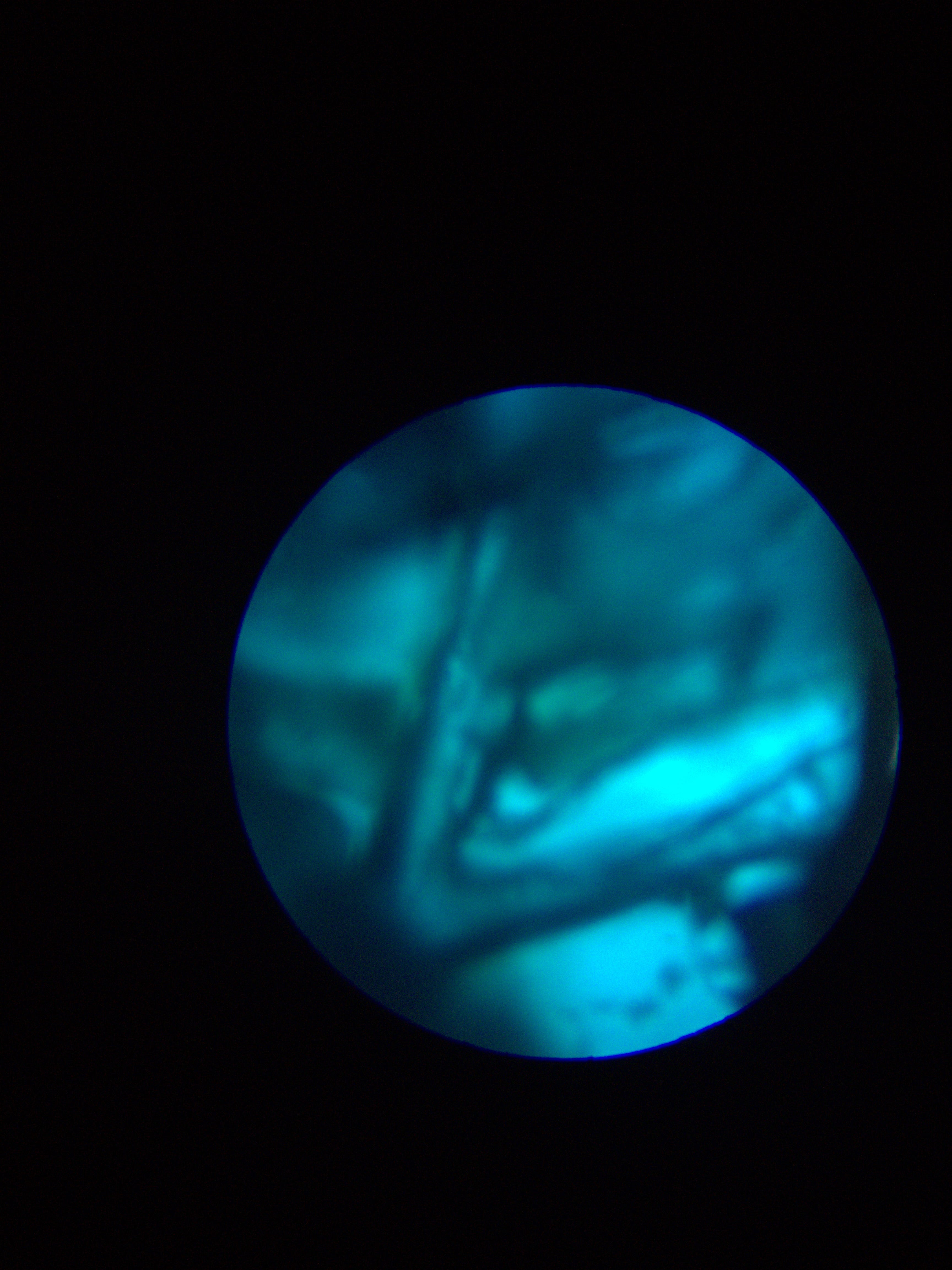

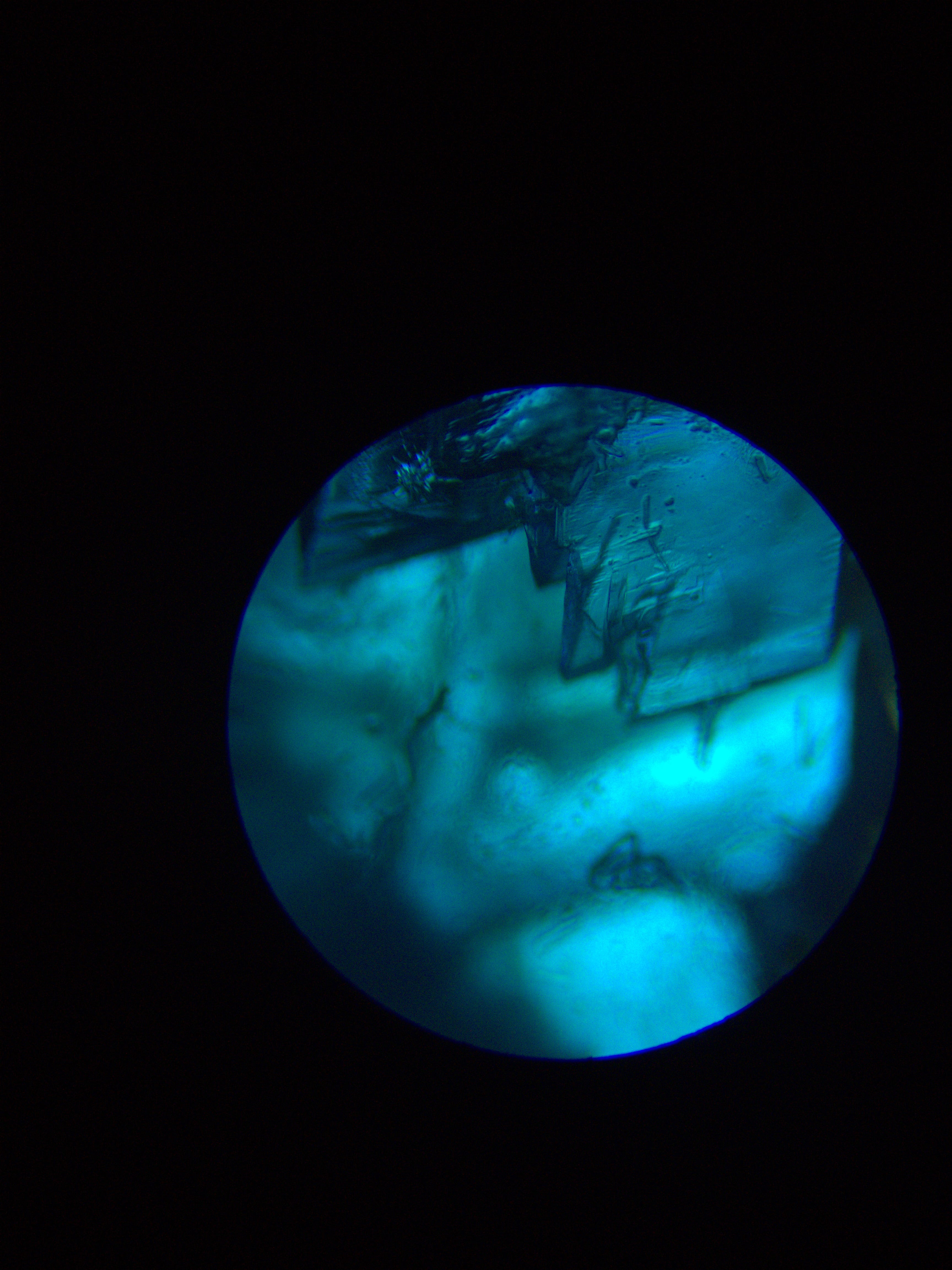

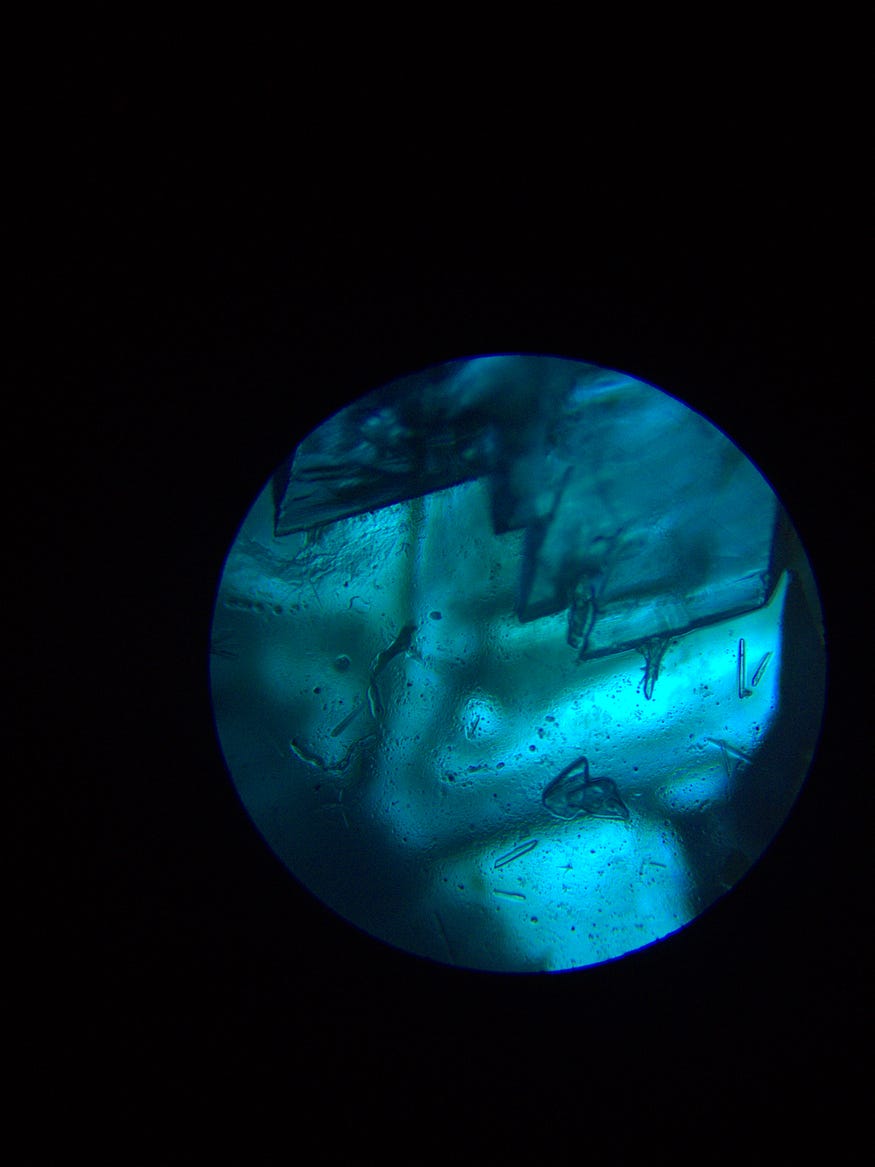
This image is the most structured and detailed I can get out of a single, unstacked image. It’s simultaneously good and disappointing.
Now let’s compare this side-by-side with the stacked image.

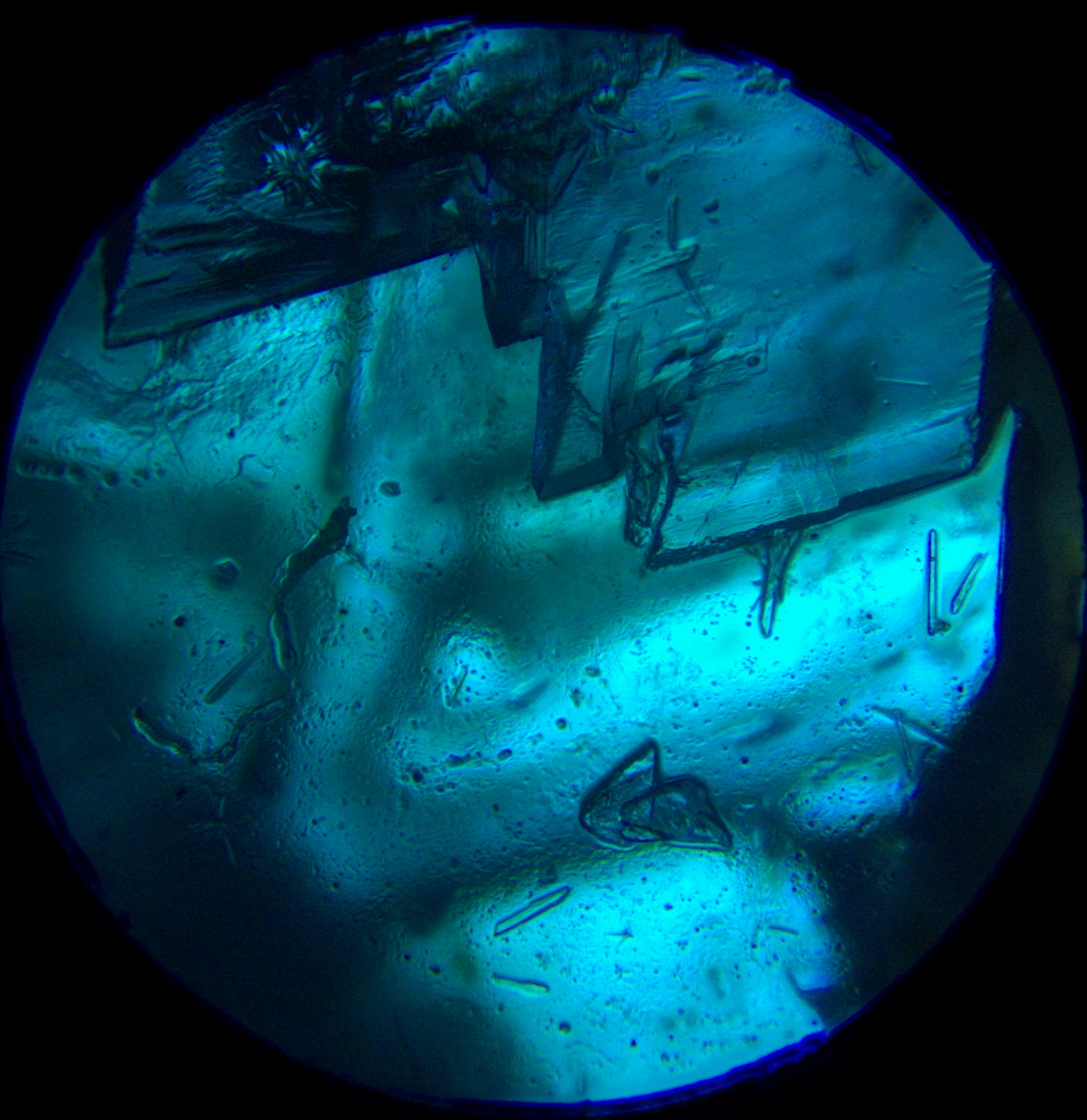
The difference is clear. The stacked image is sharper and clearer, with better-defined borders and more detail. All the features of the top crystals are in focus, along with the smaller crystals below.
Lovely transformation, and superior to the original (and you won’t always get this perfect depth with unstacked pictures), but it’s less of a difference than I had initially hoped.
Let’s look at a couple of more examples.
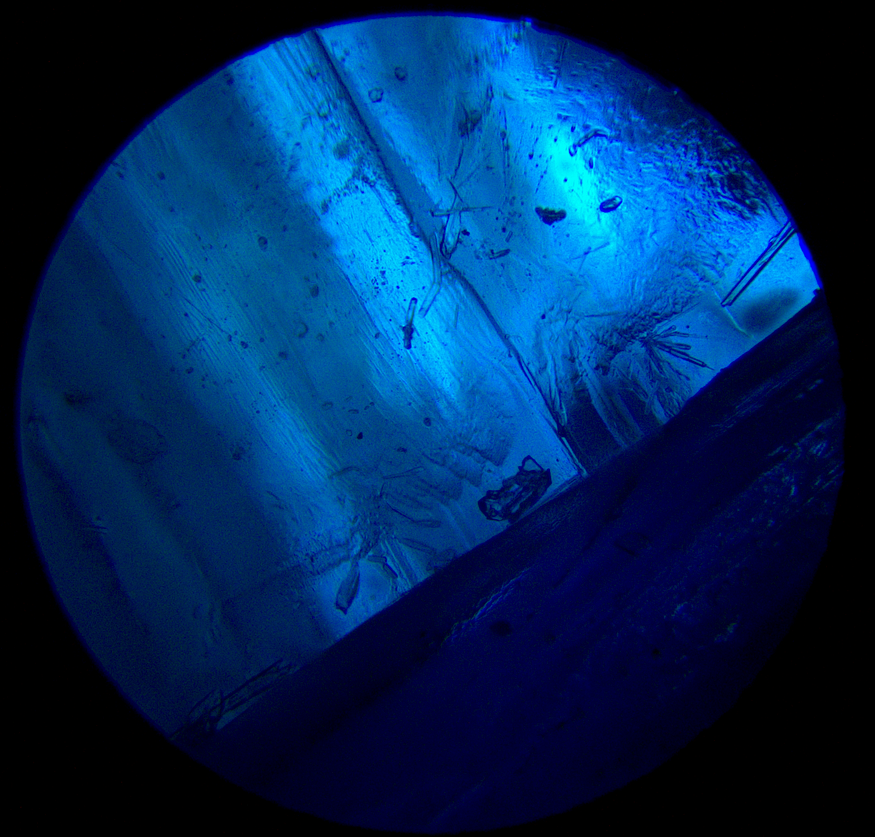
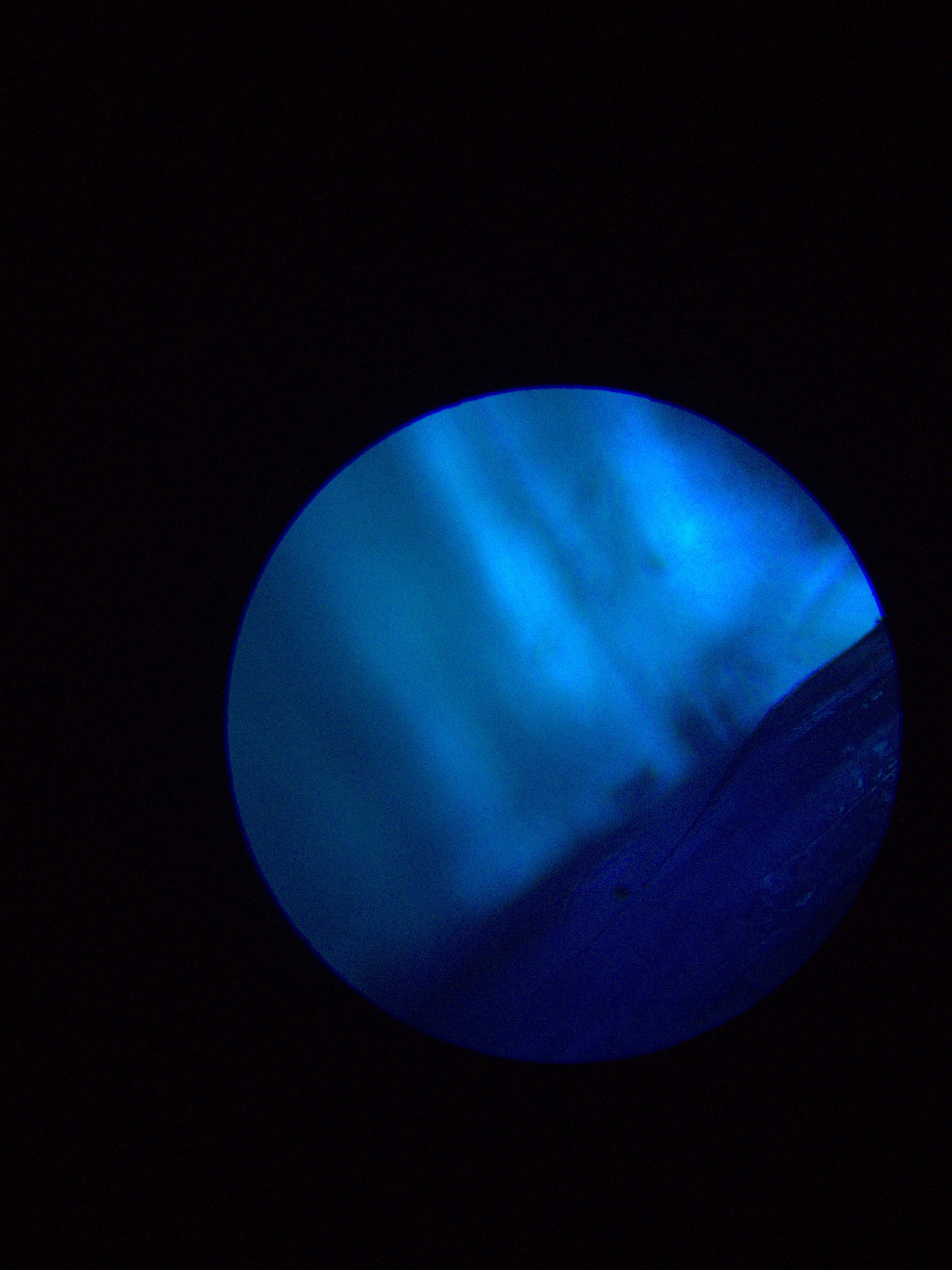
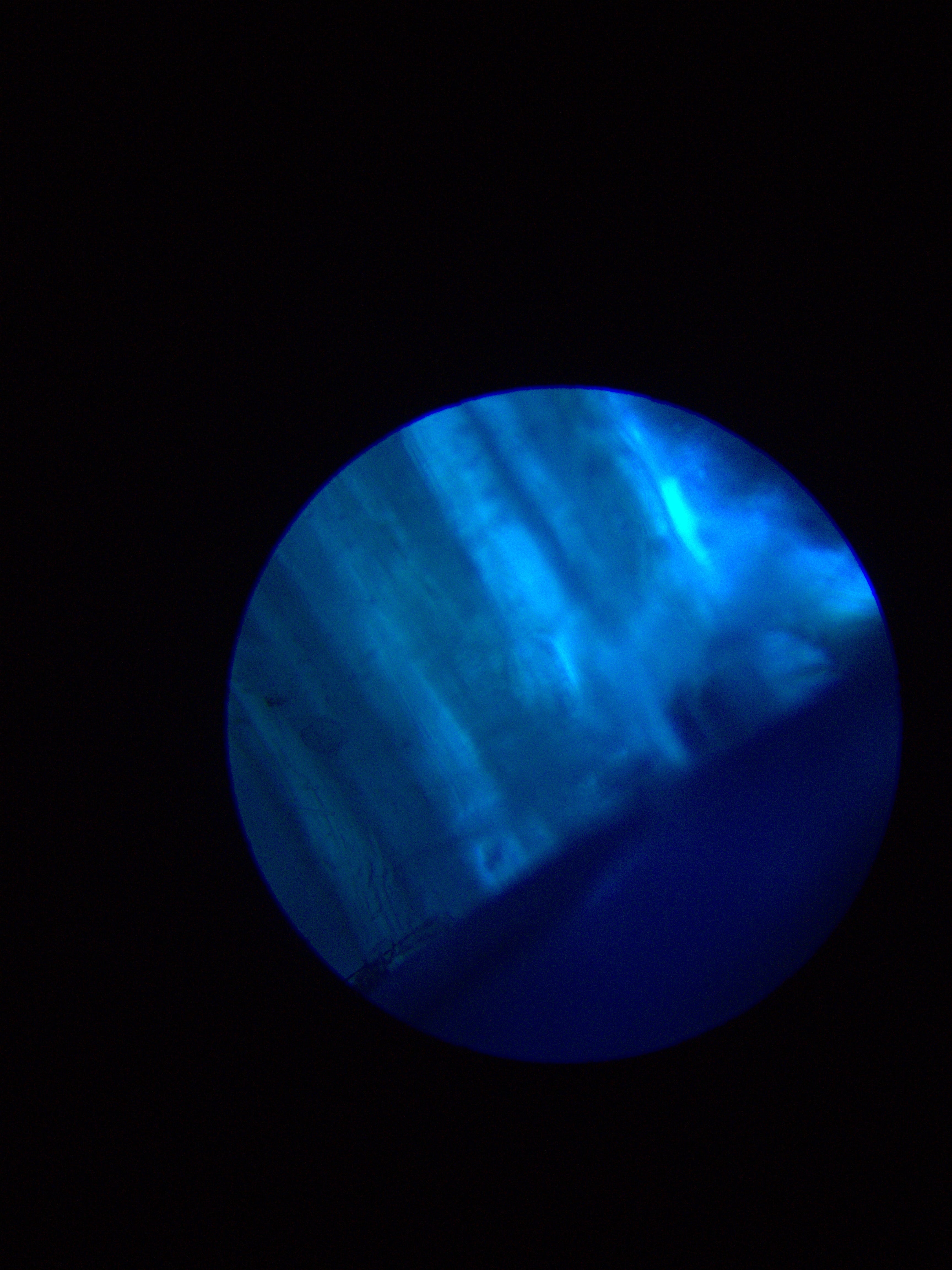
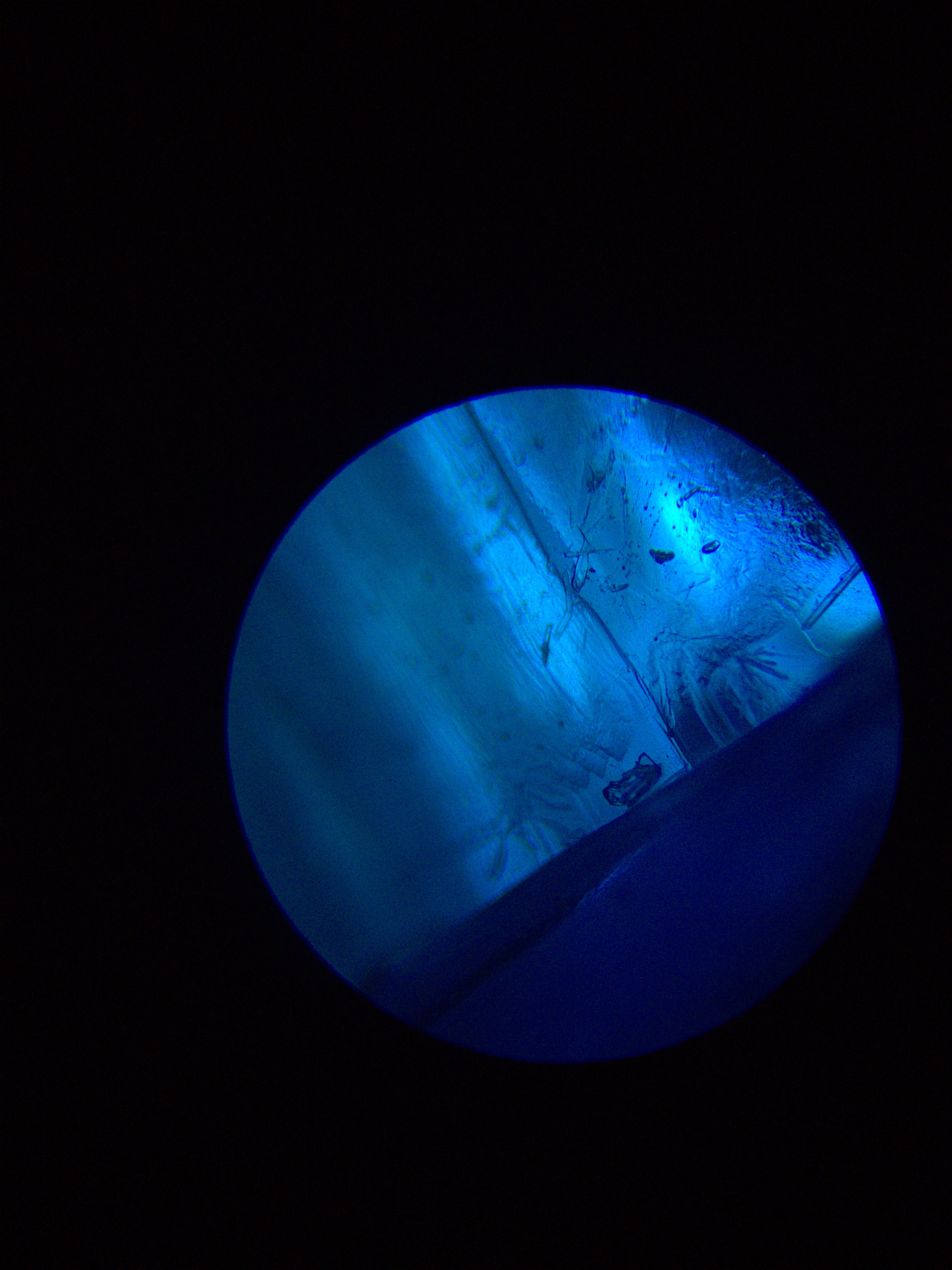
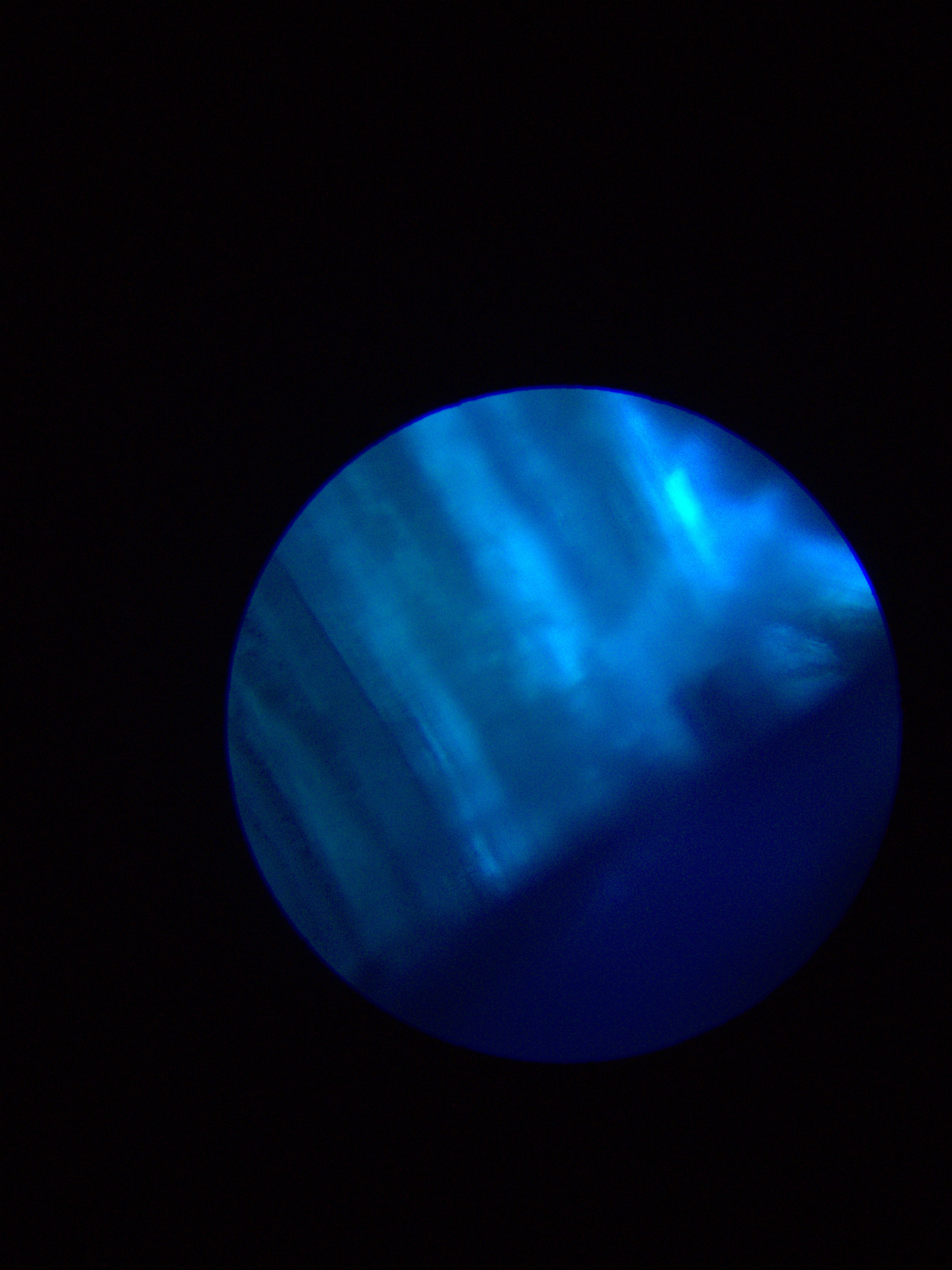
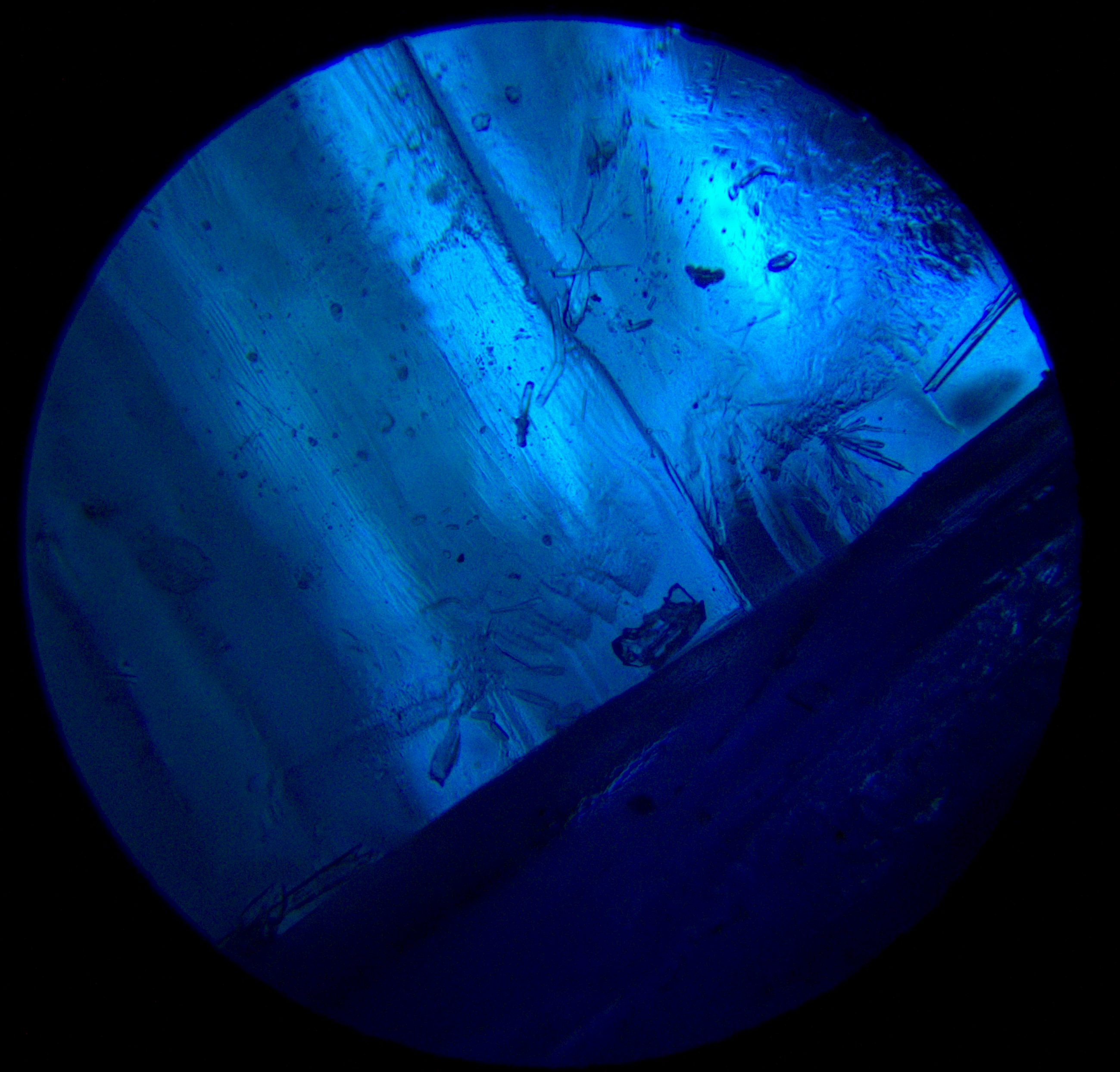
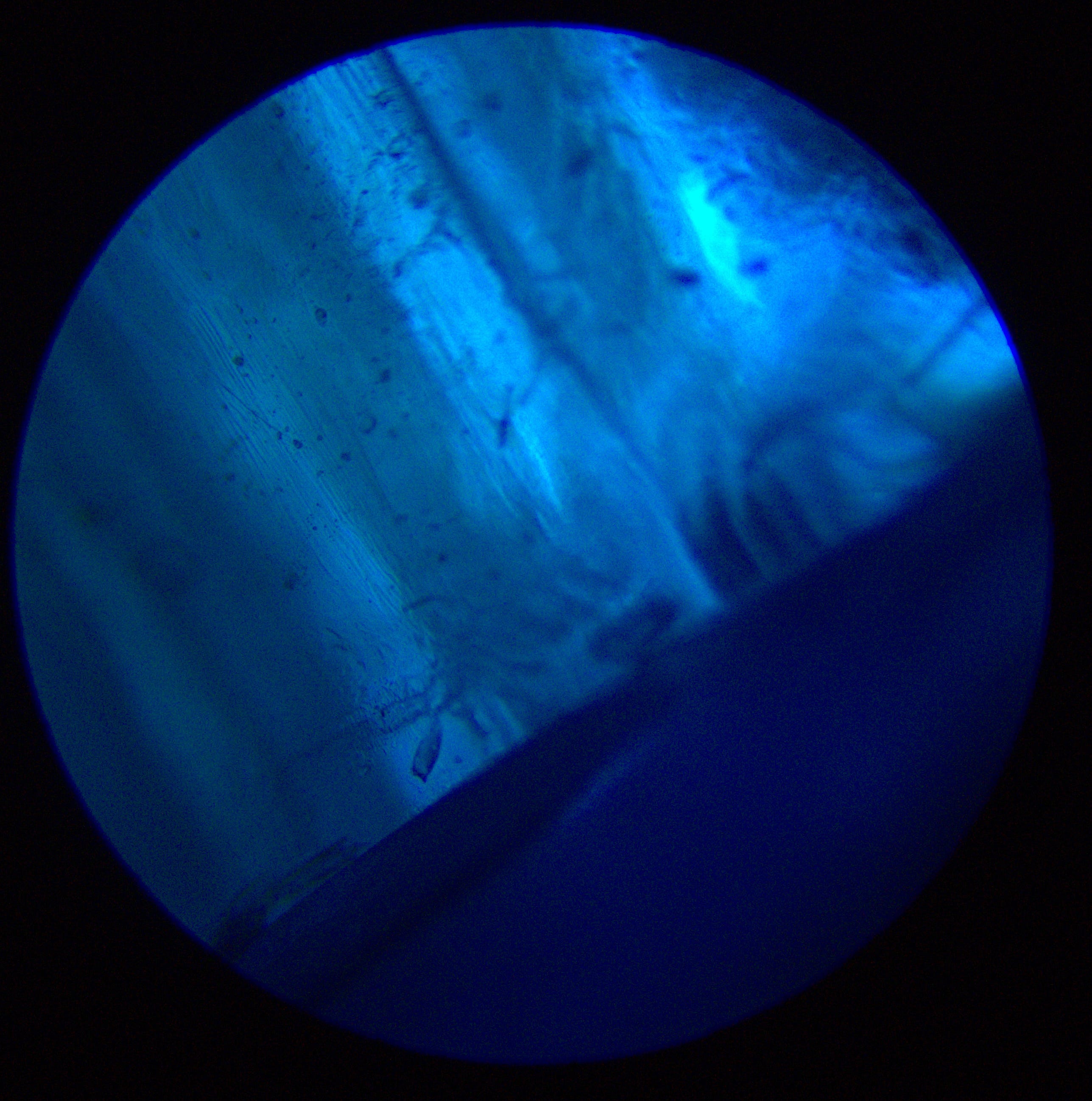
The difference is more obvious here. The details are at separate layers, so you can’t make out anything in the original images.
Foam
Foam is a wonderful candidate for microscopy, and an even better one for focus stacking.

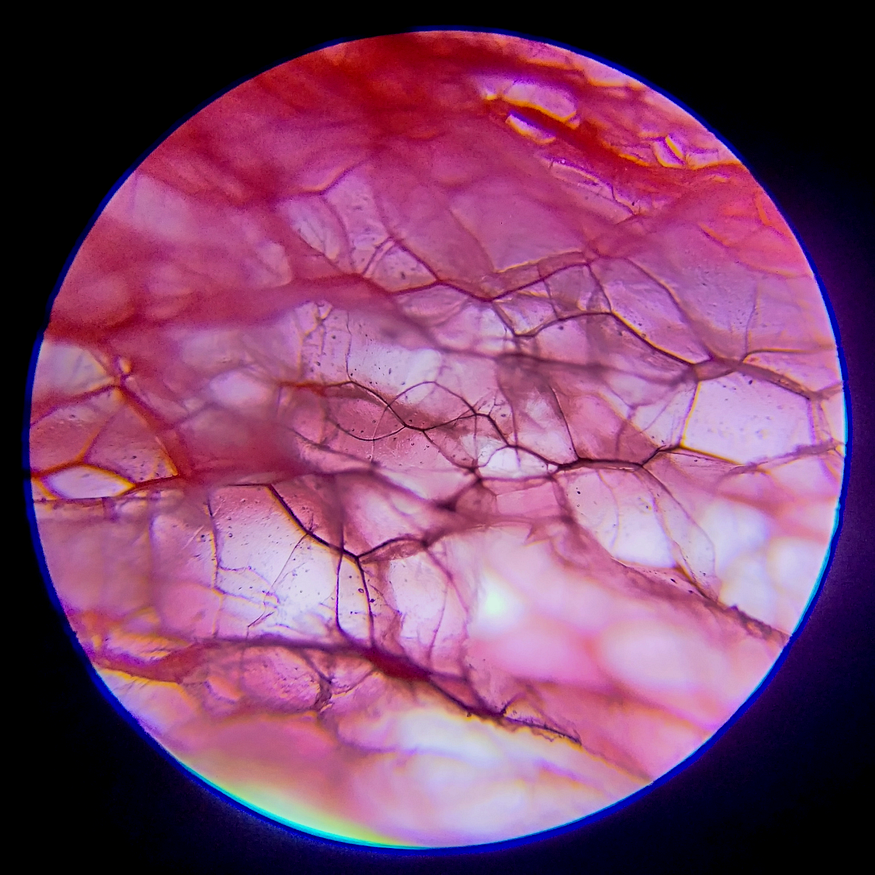
Some of my older images, unstacked, and suffering from a low depth of field.
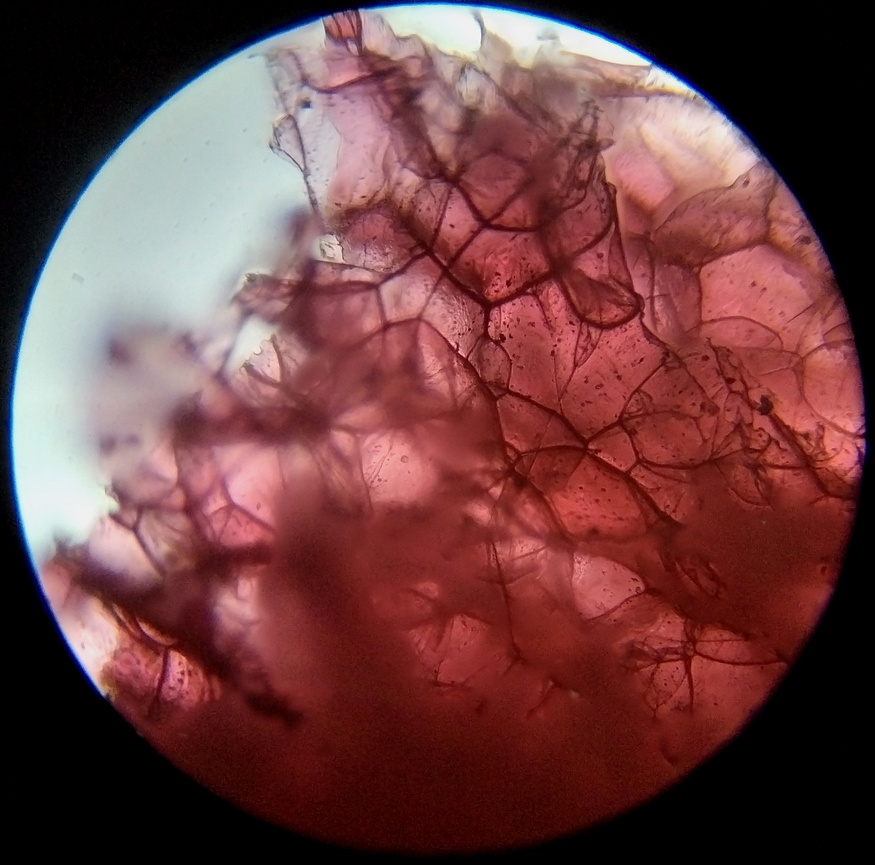
At first glance, not a big step up. Some parts are in focus, yes, but a lot more aren’t.
Let’s look at the originals.

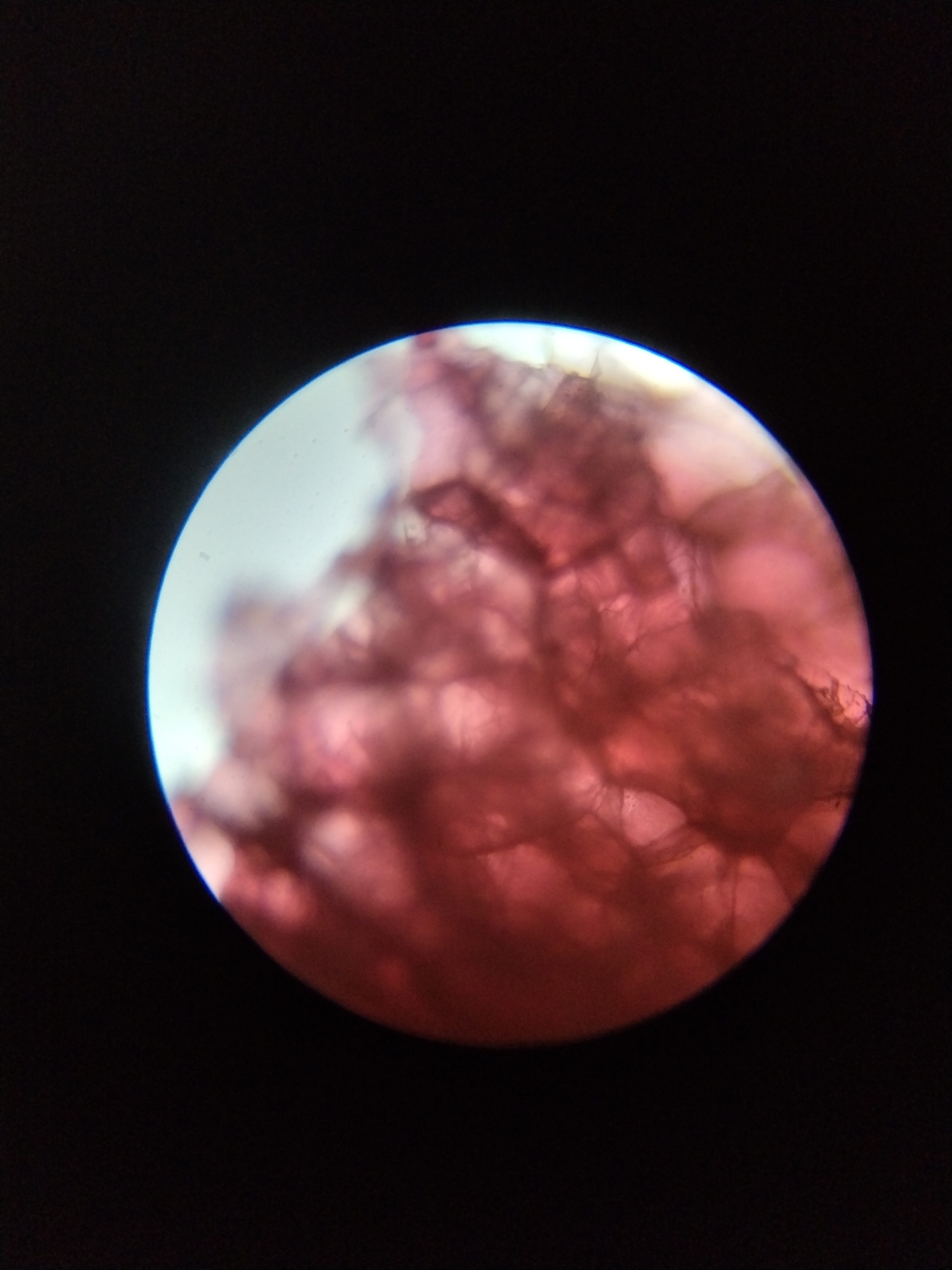
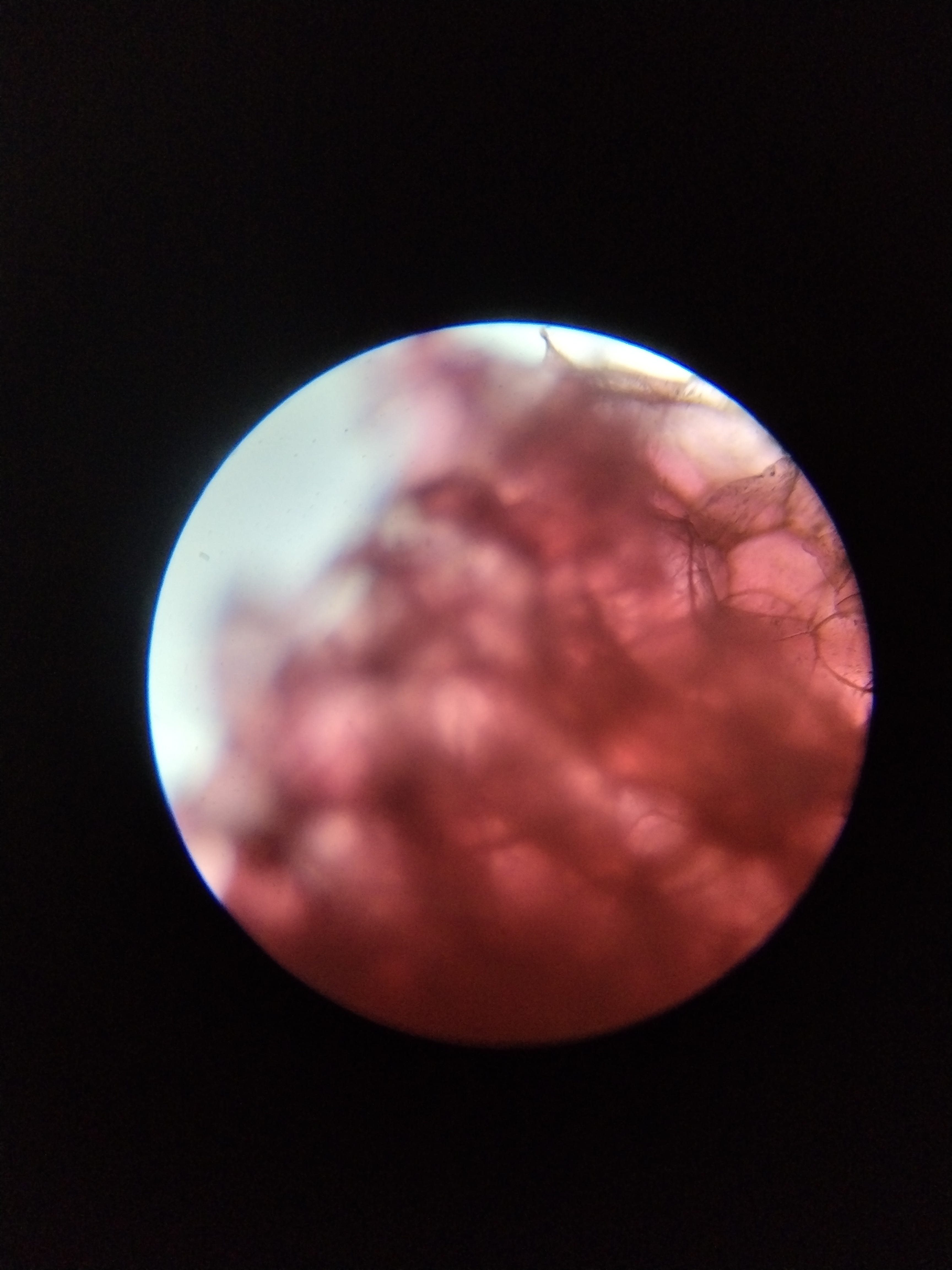
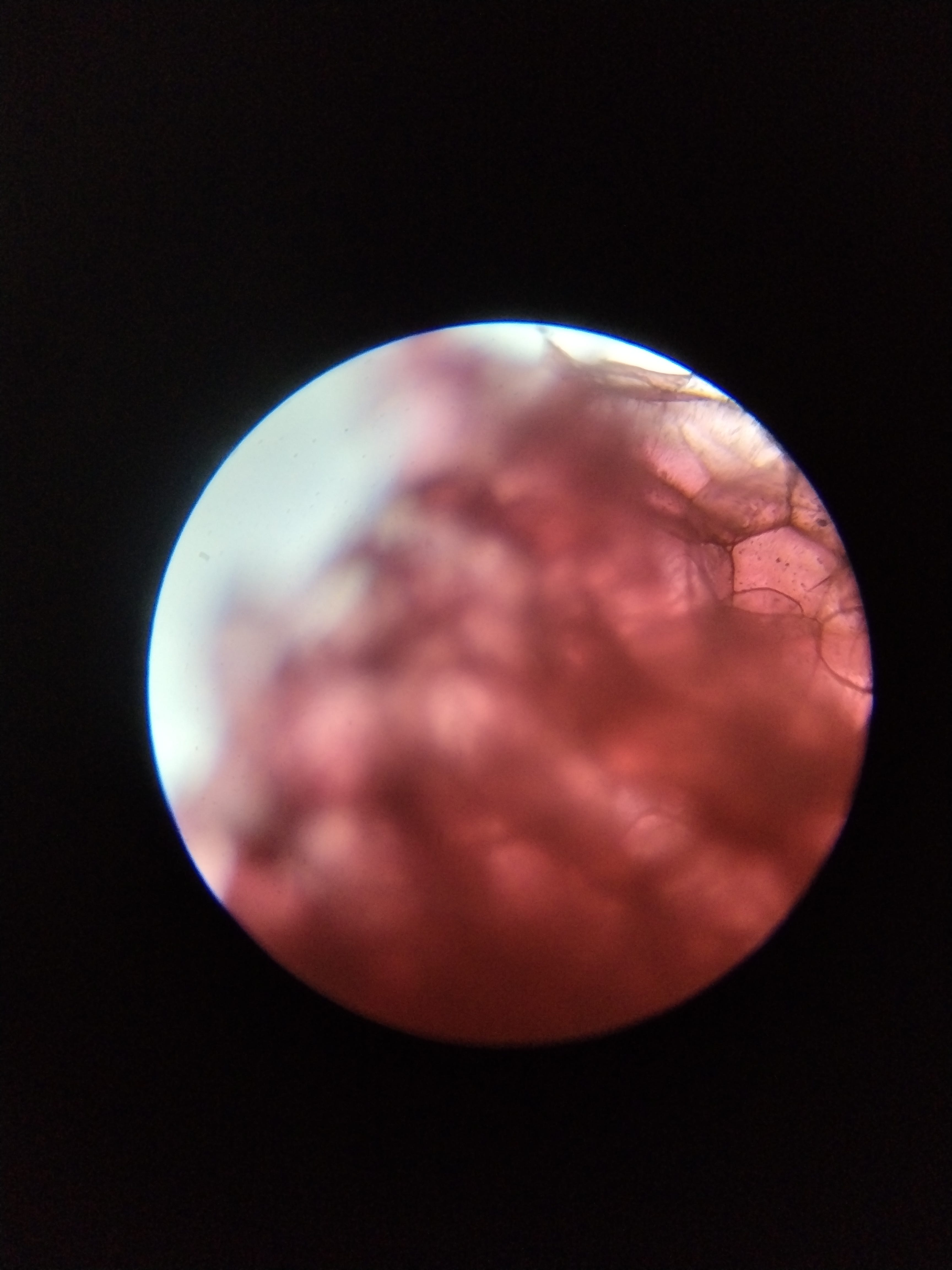

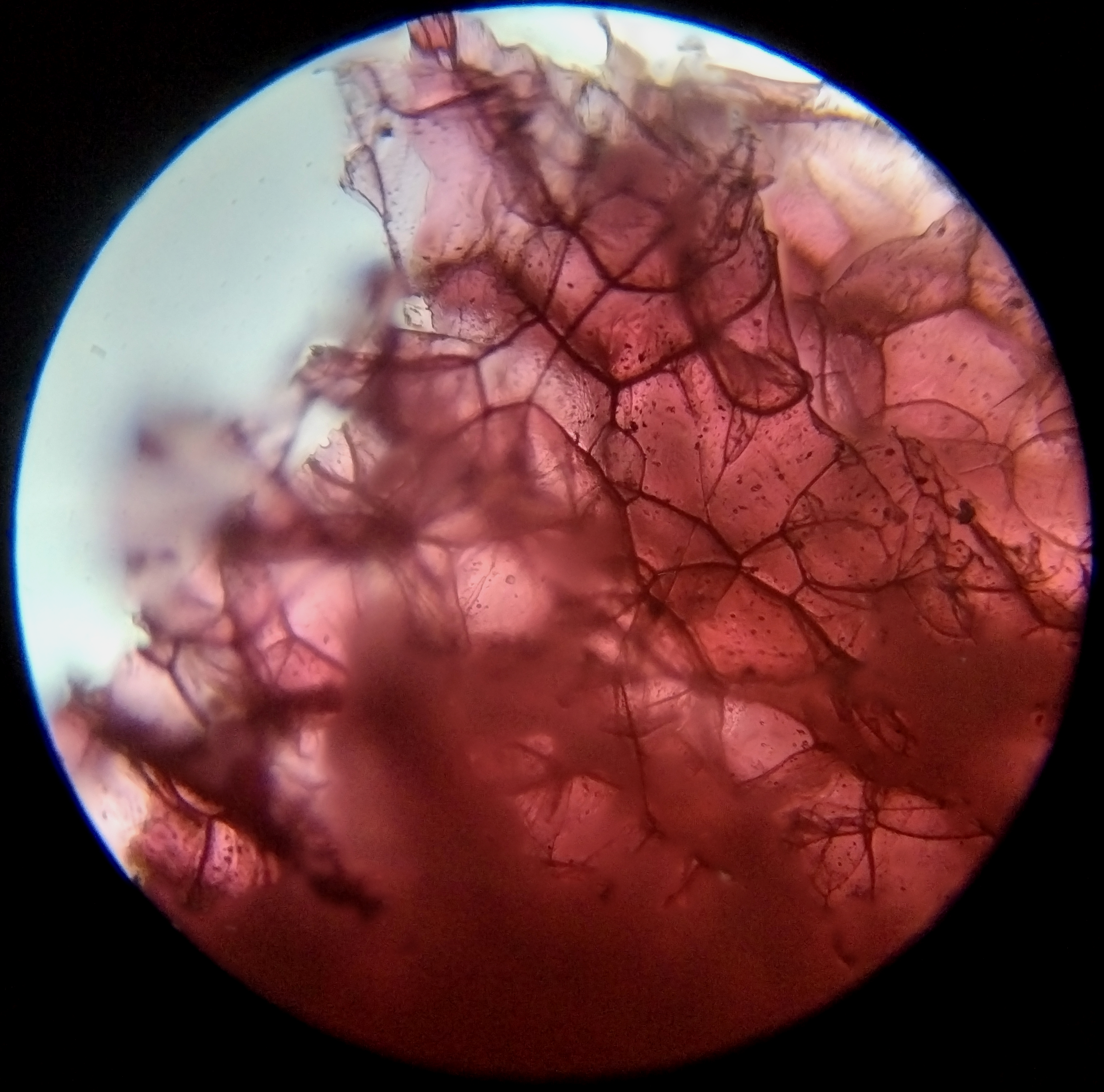
This one is a bit of a disappointment. Maybe the software couldn’t parse the different depths, or I didn’t do a good job of maintaining uniformity between the depths of field. There is barely anything gained from focus stacking, and you might even say the stacked image loses a bit of detail and takes on more noise.
The Decree
Focus stacking is amazing and there’s no two ways about it. However, it can be a hit or a miss.
I took a ton of samples for focus stacking, but few yielded beautiful photos. There’s also no denying that my technique and equipment could use polishing. With a bit of practice, I think focus stacking will help me up my microscopy game considerably.
How I Focus Stack
Here is an outline of my focus stacking process.
- Photography: This is the most important step. Use a stable setup to take multiple shots of a specimen at various depths. If using a phone, use a camera app (like ProShot) and set focus to manual. Start by focusing on a topmost feature (e.g., top of a crystal), then increase focus (on your camera or using the microscope wheel, the latter works better for me) to lower and lower levels. Start on the top of the crystal, then middle, then bottom, and so on. Make sure to keep the difference in depth constant. Say you start your focus at 100, then 95, then 90, 85, and so on. Take 20–30 shots, the more the merrier, but you don’t need to overdo it. Make sure your specimen and camera placement are stable. Each picture has to be overlaid exactly on top of each other, and all structures must match or the final image will be distorted.
Tip: Use Jpeg or PNG. You don’t need RAW format for this - Upload the images in your preferred software. I use Helicon Focus and it’s great so far. Make sure you don’t break the sequence of images. If the image sequence is broken, sorting images by name usually fixes it.
- Use radius = 8, smoothing = 3. Though to be honest, tweaking the parameters doesn’t make much of a difference for me.
- Render and done.